Thank you for helping us test Capital Fleet Tracker! This guide walks you through everything — opting in through Google Play, creating your account, touring the app screen by screen, and sending us your feedback. The whole thing takes about 10 minutes.
You'll need an Android phone and the Google account email you gave us. Android testing is open now.
Testing on iPhone instead? See the iPhone guide →
The app isn't public in the Play Store yet, so you install it through Google's official tester opt-in link. You can't find it by searching — use the button below. Here's exactly what each screen looks like.
Tap Open the tester invite below, then tap Become a tester and accept with your Google account.
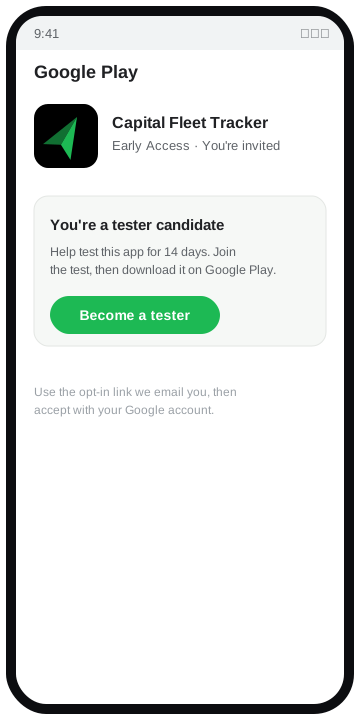
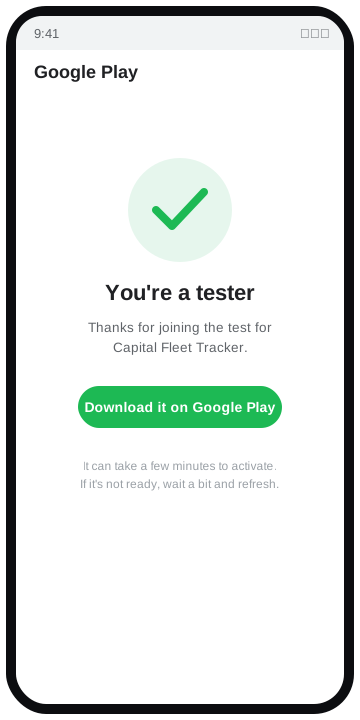
You'll see a "You are a tester" confirmation. It can take a few minutes to activate — if the app isn't available yet, wait a bit and refresh.
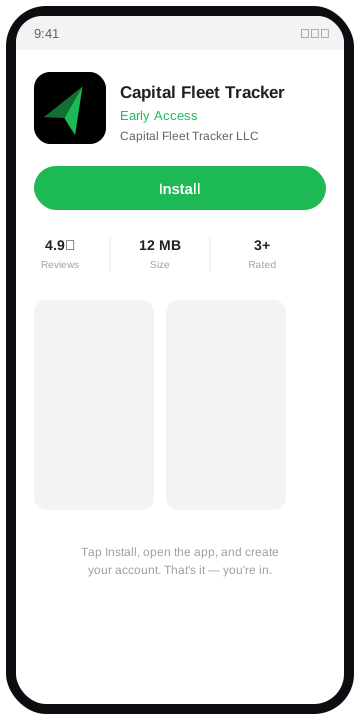
Tap Install on Google Play to download Capital Fleet Tracker (Early Access).
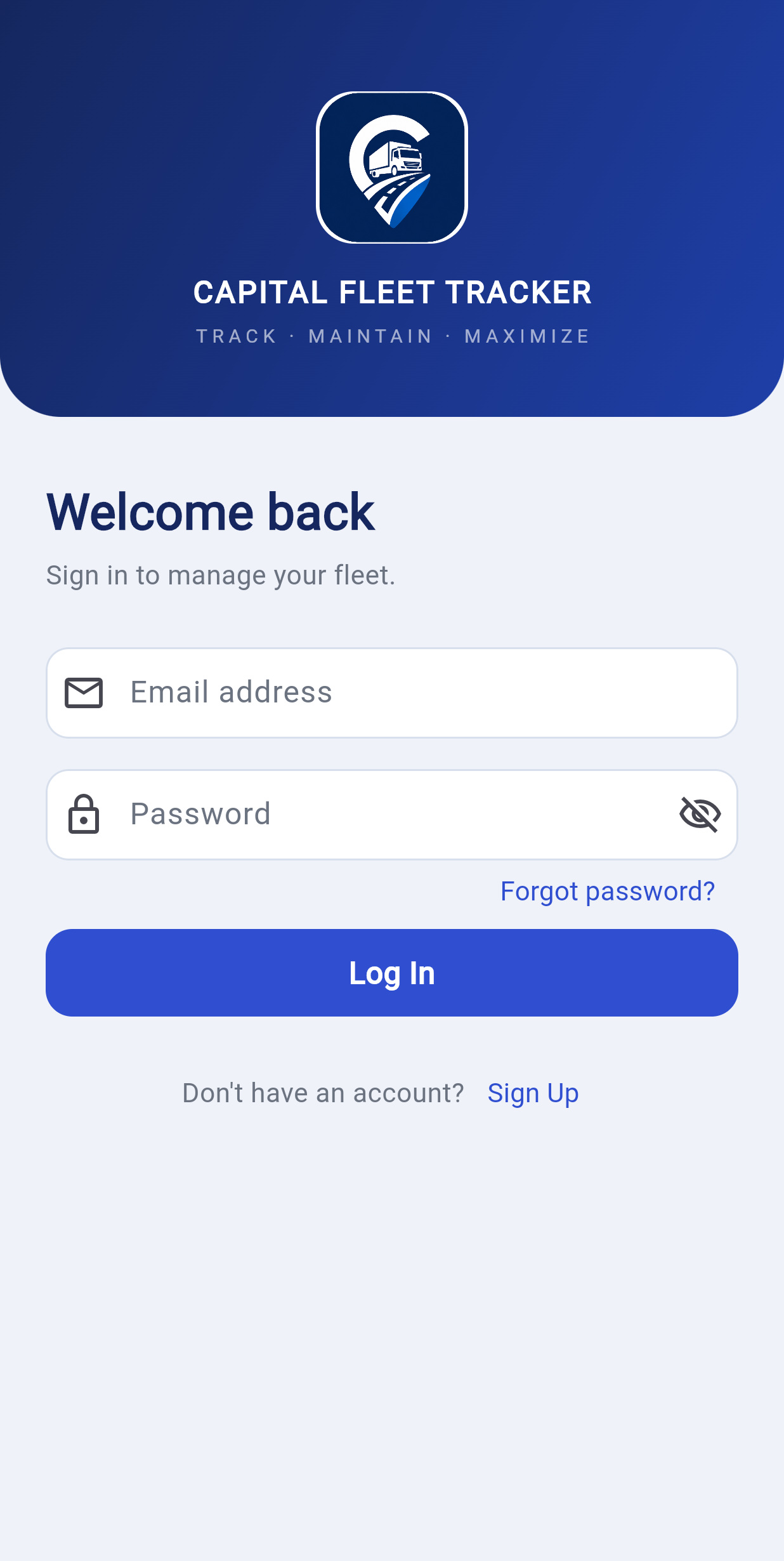
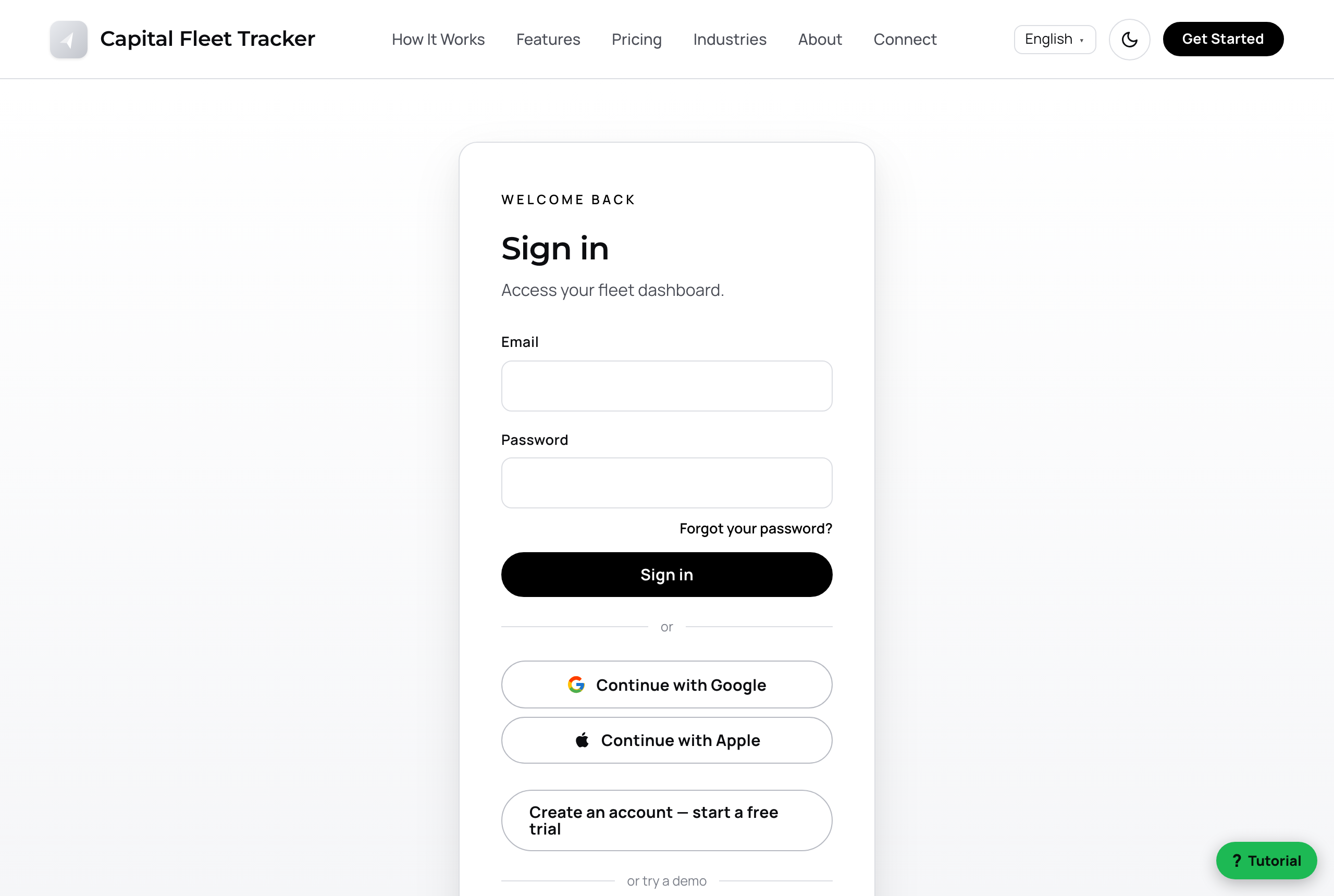
First time you open the app, you'll see the sign-in screen below.
New tester? Tap Sign Up and create an account with your email and a password. Prefer one tap? Use Continue with Google.

Your test account is preloaded with a sample fleet so there's plenty to explore. Tap through these screens and try the things in the green boxes.
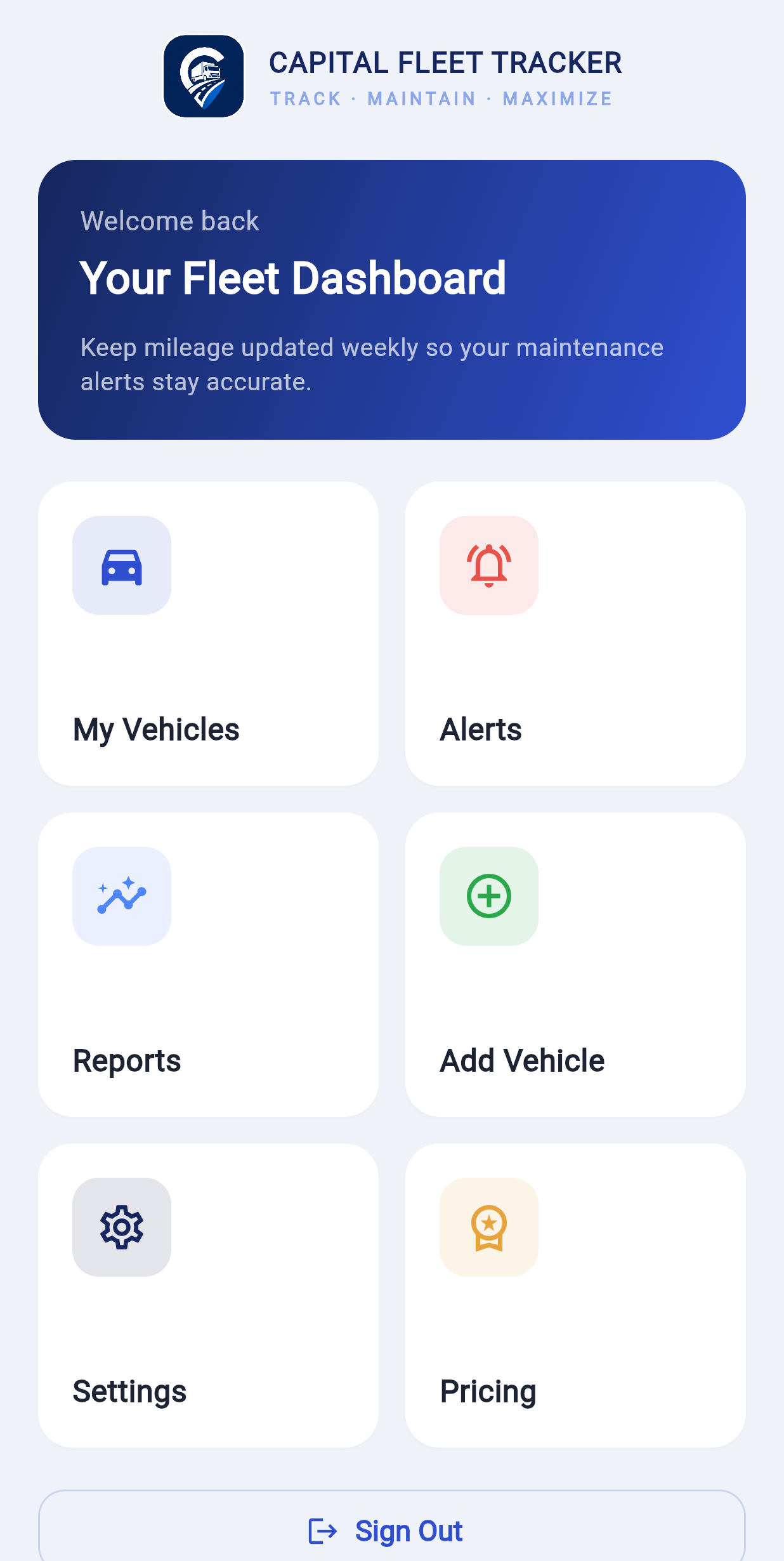
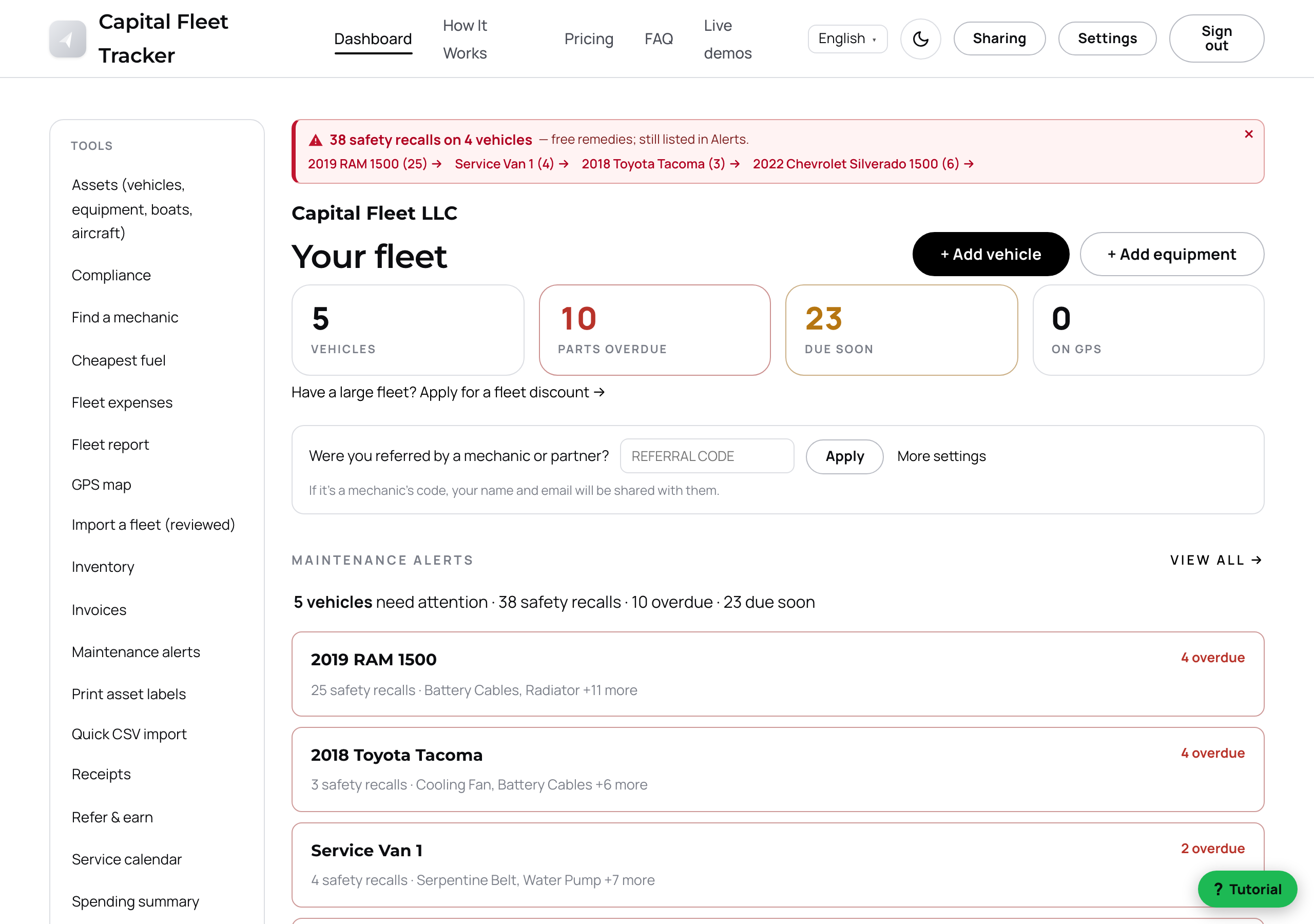
Your launchpad. My Vehicles, Alerts, Reports, and Add Vehicle are one tap away, plus quick links to Settings and Pricing.

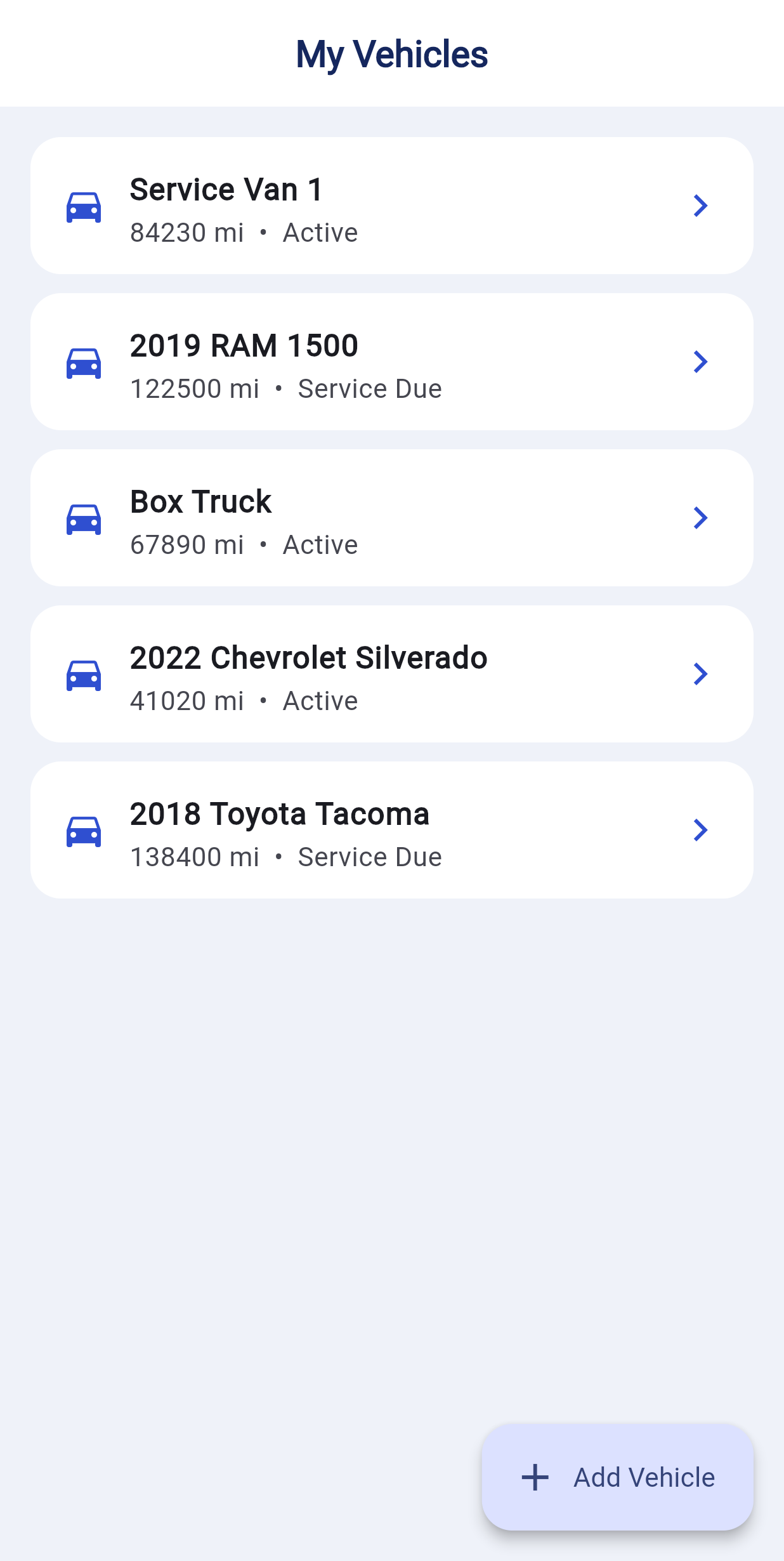
Every vehicle in one list, each with a health bar and any open safety recalls. Search by name, type, or driver up top.
Tap the green + Add Vehicle button to add one of your own — just year, make, model, and mileage to start.

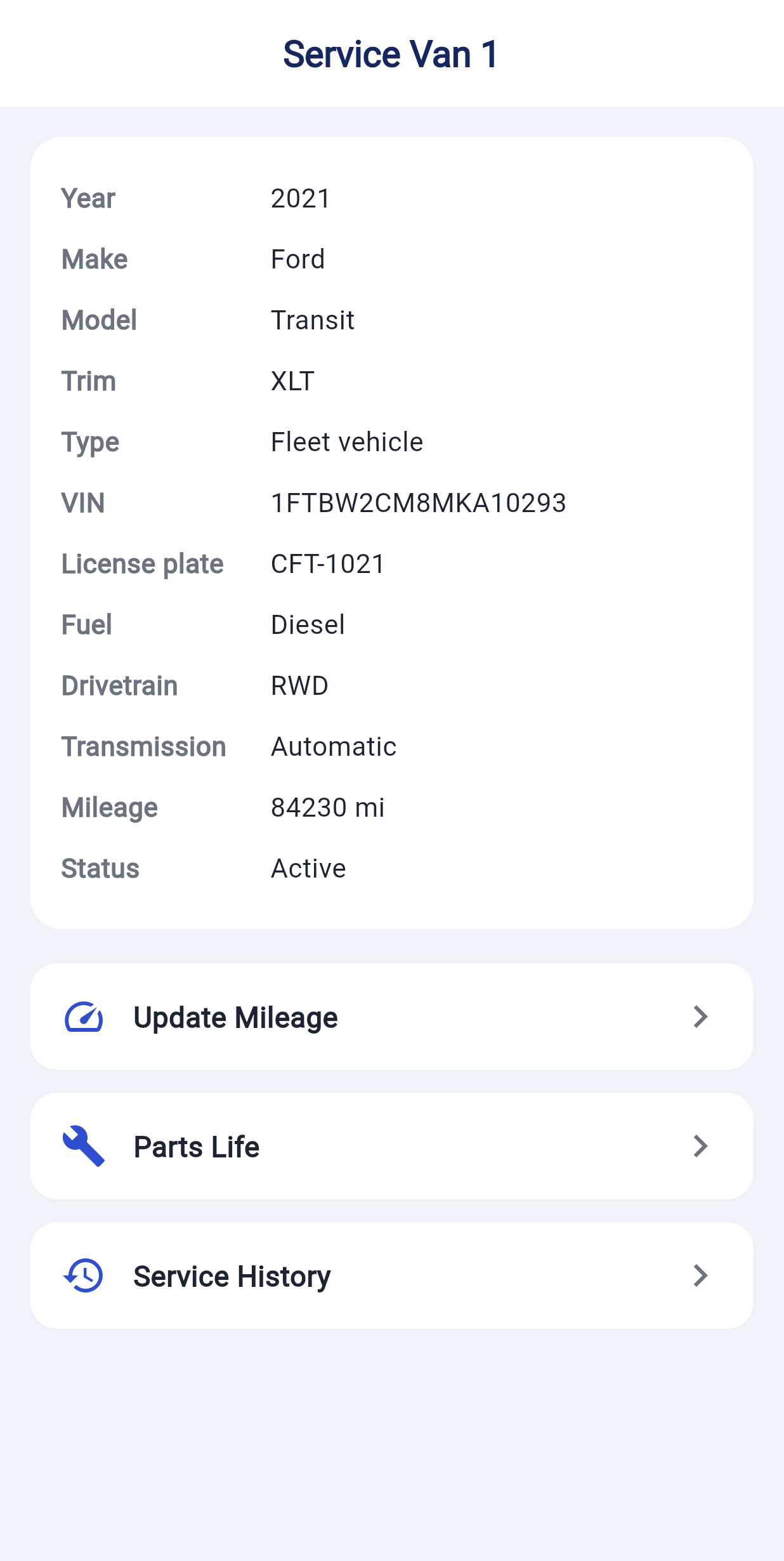
Tap any vehicle to open its full profile: year, make, model, VIN, plate, mileage, and status. If there are open safety recalls from NHTSA, they're listed right at the top — repairs are usually free from the dealer.
Use the pencil icon to edit the vehicle's info.

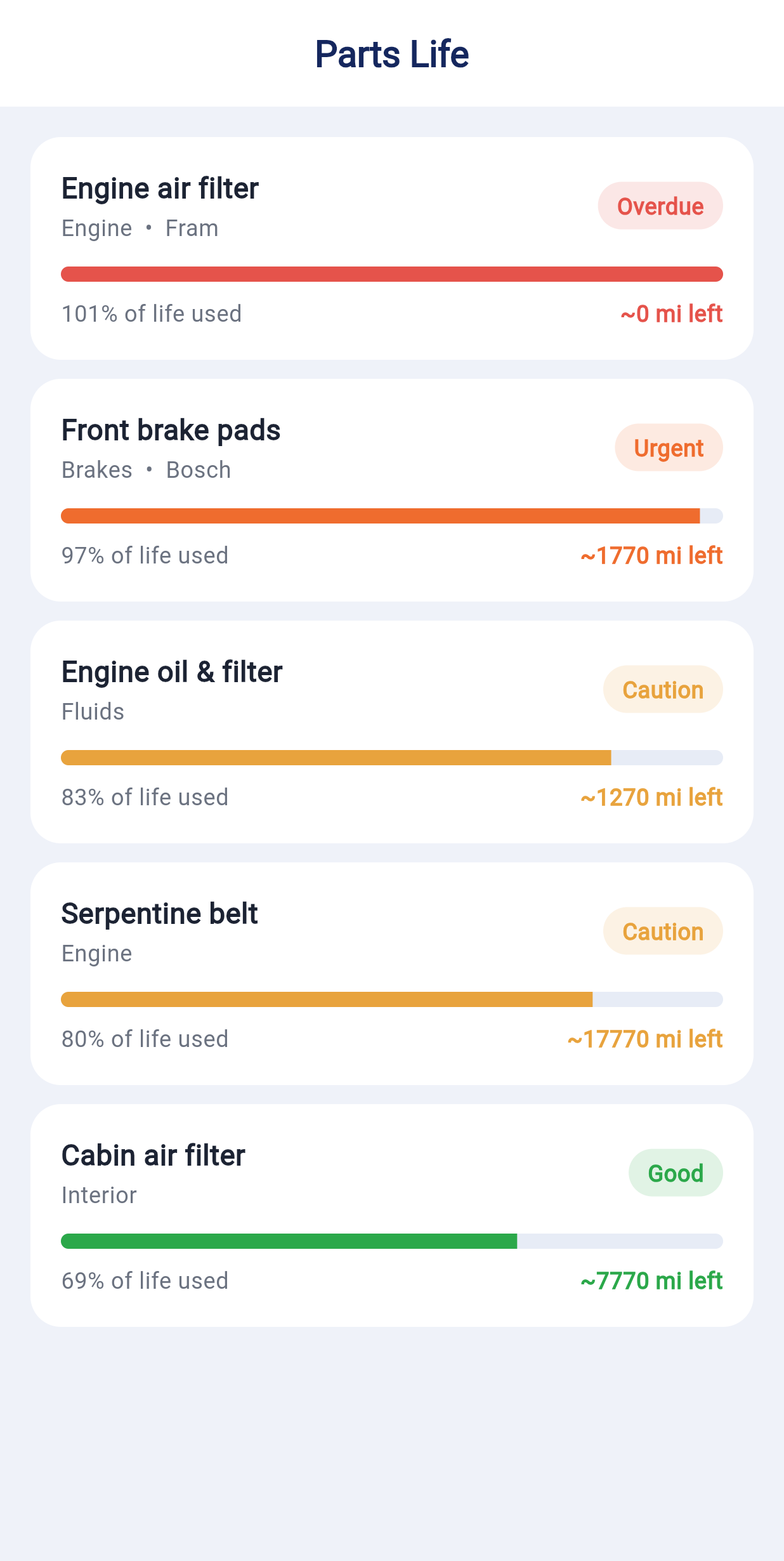
This is the heart of the app. Each part shows how much of its life is used and roughly how many miles are left — so you replace things before they fail. Overdue and Urgent parts are flagged.
Done with a part? Tap Acknowledge & close. Add your own with + Add a part.

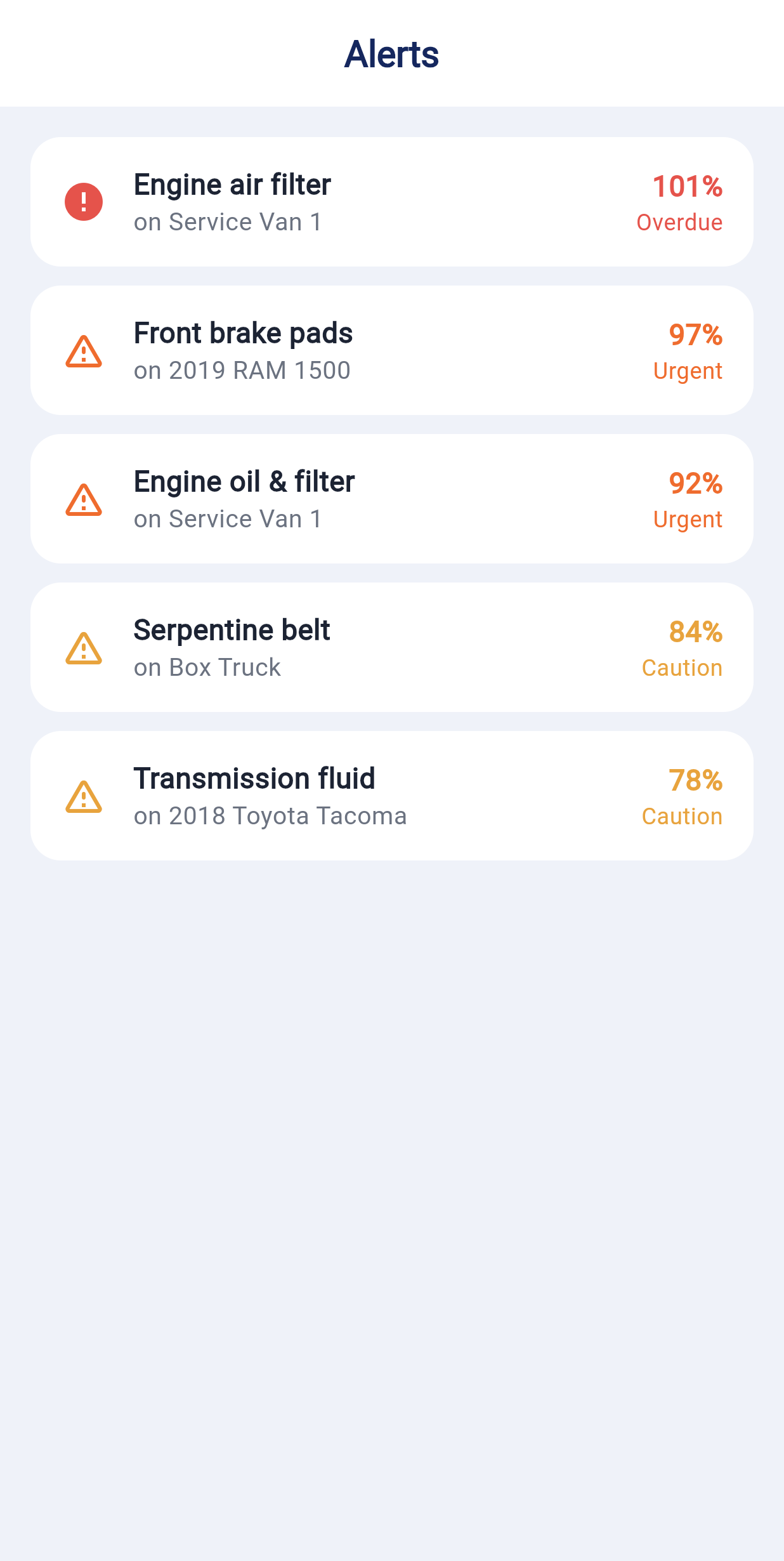
Everything that needs attention across your whole fleet, grouped by how critical it is: safety recalls first, then roadworthiness by how much of each part's life is used.

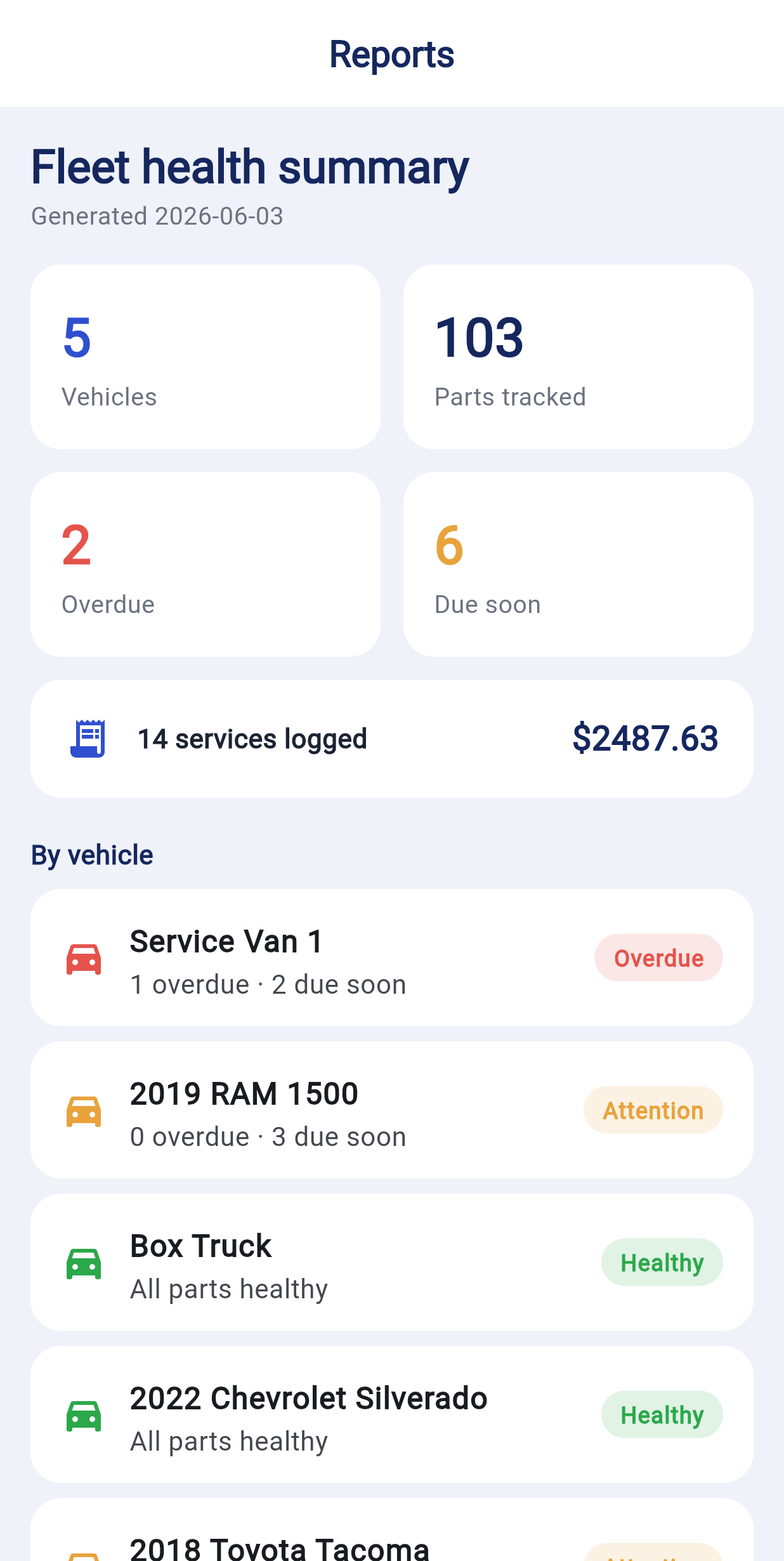
The big picture: how many vehicles and parts you track, what's overdue or due soon, total services logged, and spend — then a per-vehicle breakdown.

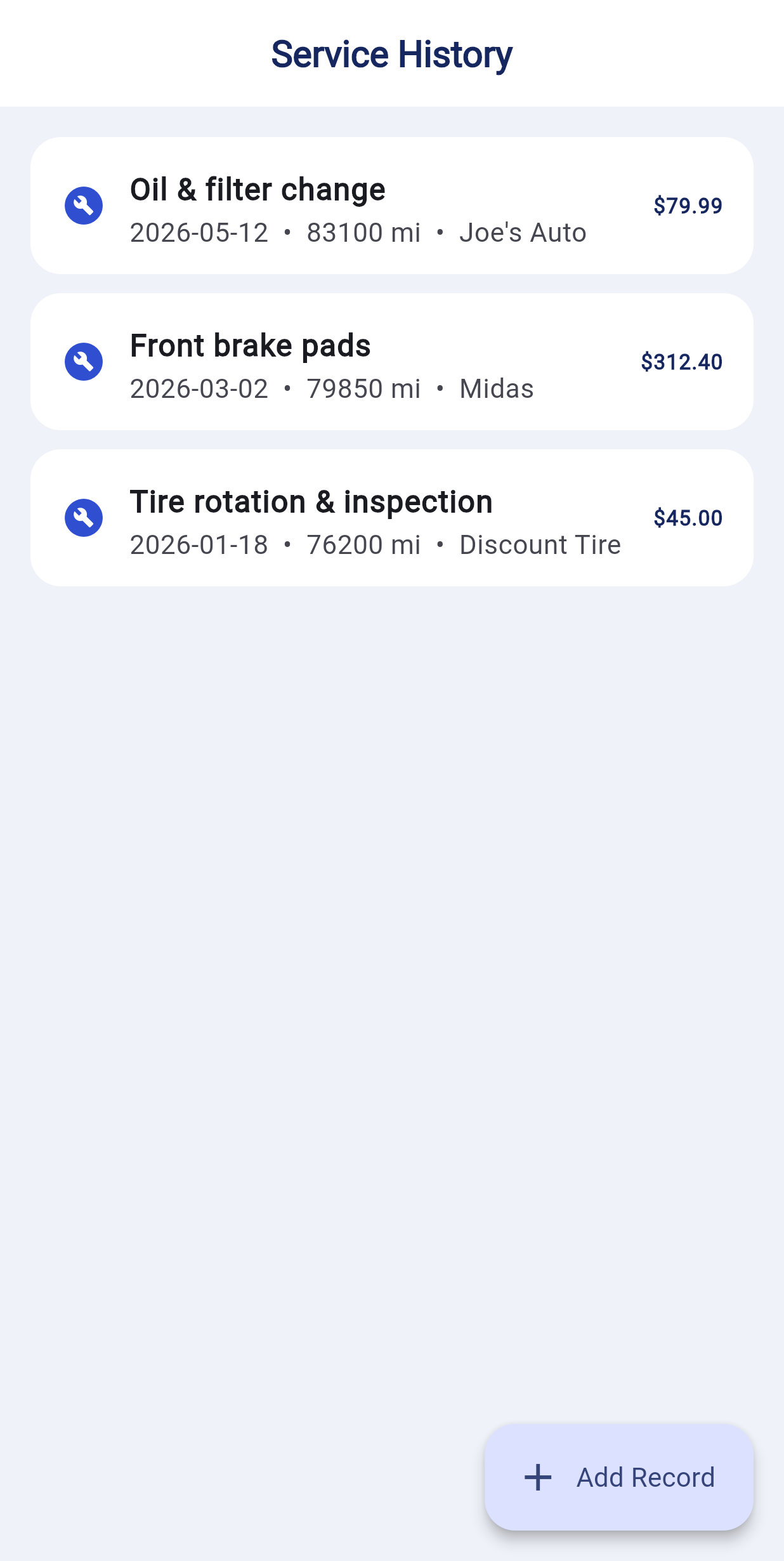
A running log of work done — what, when, the mileage, the shop, and the cost. Tap + Add Record to log a new service.

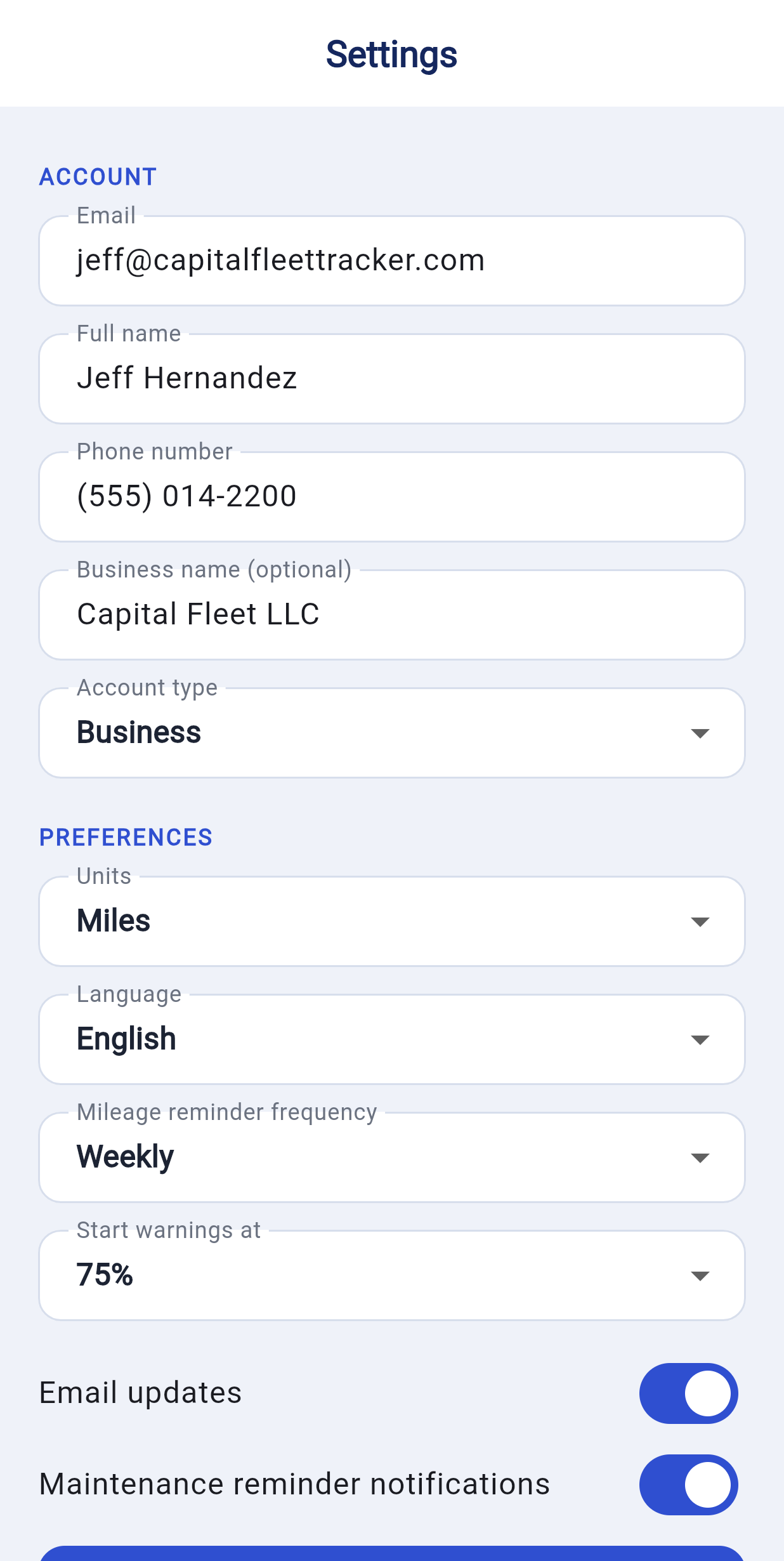
Your profile and account: name, phone, business info, account type, and a Home ZIP code that powers the "cheapest fuel near you" feature. Add a profile photo if you like.

Your account works on any computer — great for managing a bigger fleet on a full screen. Go to capitalfleettracker.com and sign in with the same email and password.
You're testing so we can make it better — so please send anything: bugs, confusing bits, ideas, or "this is great." Two easy ways:
Seriously — thank you for testing Capital Fleet Tracker. Your feedback shapes what we build next. Stuck on anything at all? We're one message away.
Send feedback